Your feedback helps to improve the tool! You will be redirected to GitHub to submit.
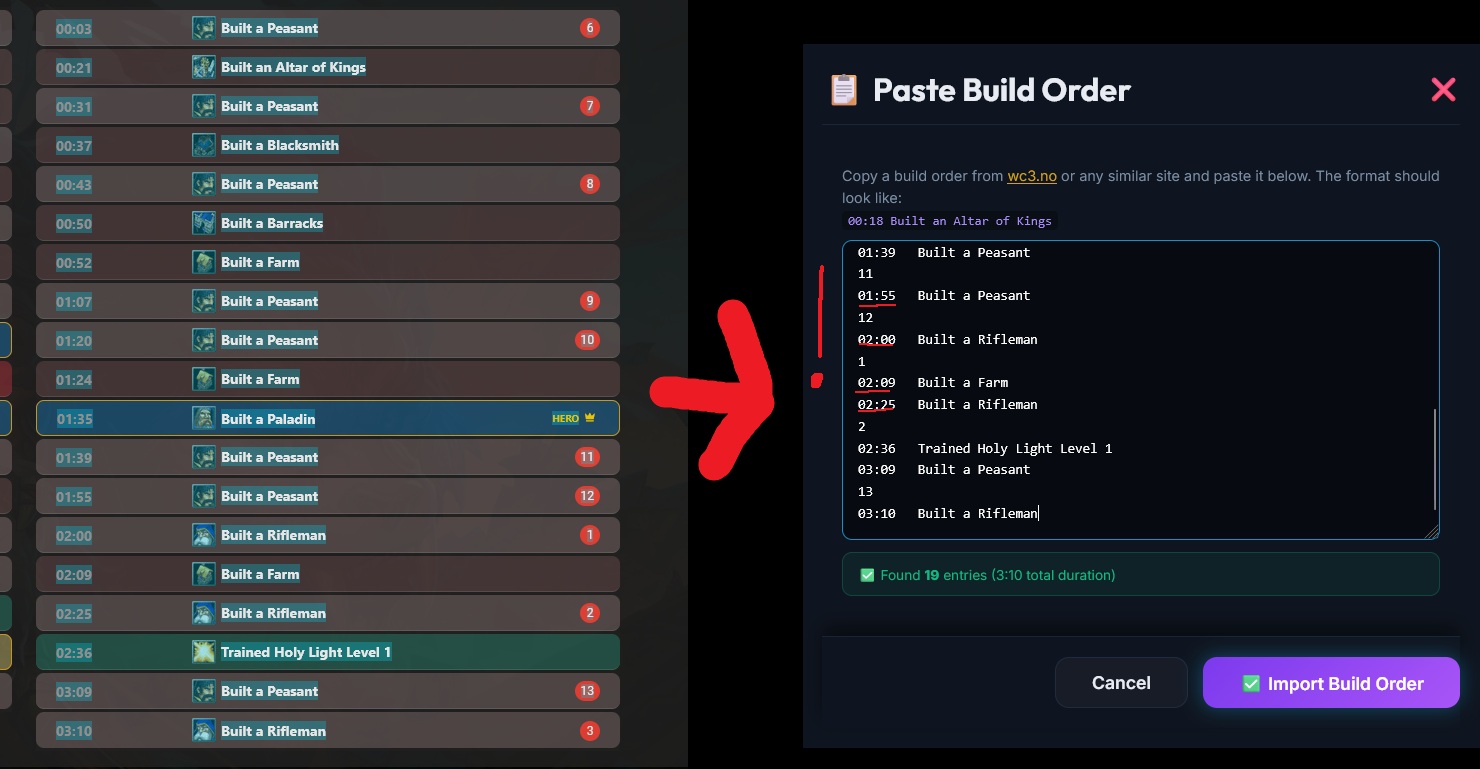
Copy a build order from wc3.no or any similar site and paste it below.
The format should look like:
00:18 Built an Altar of Kings
Select a topic to learn how to use the Build Order Helper:
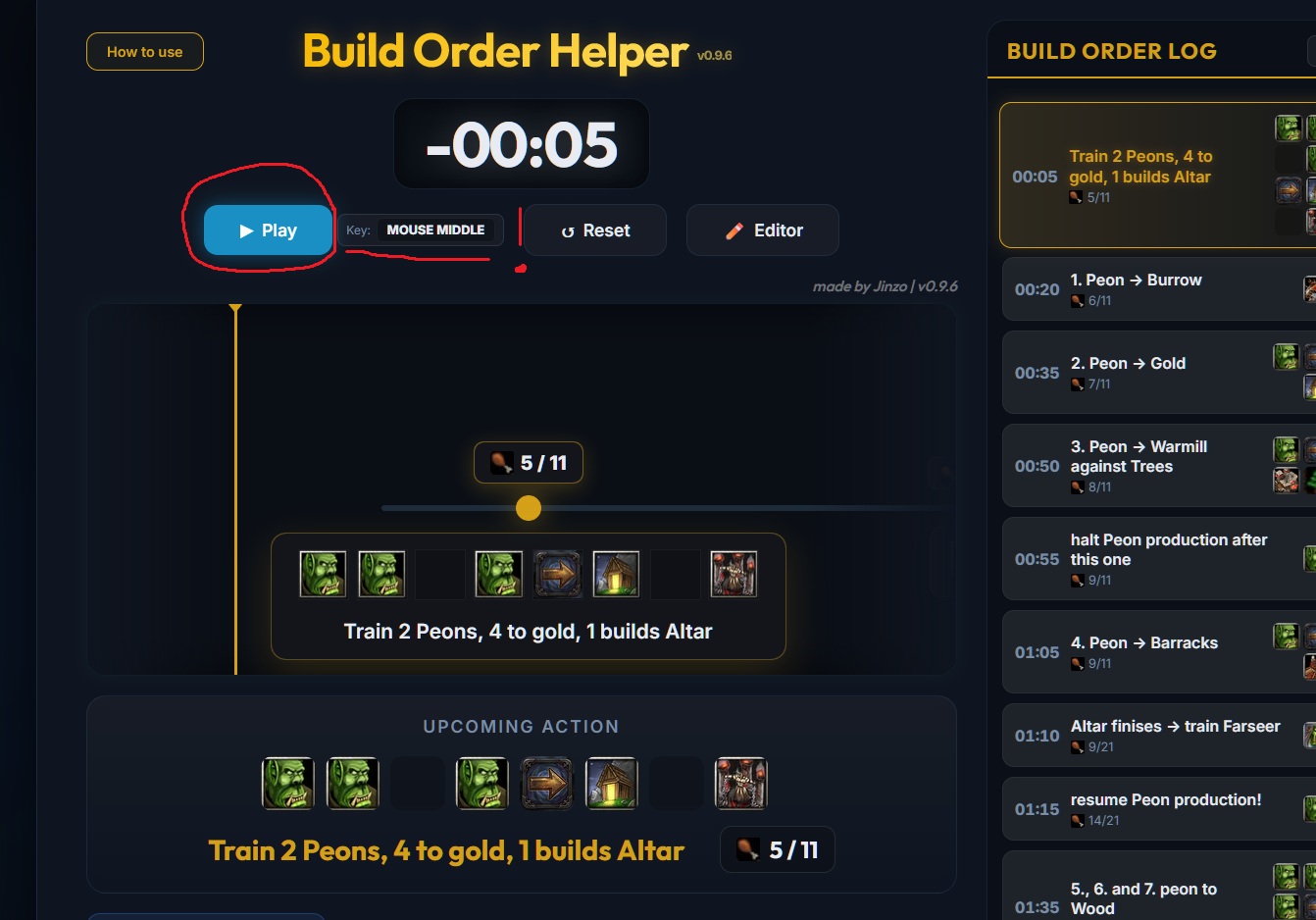
How to use the tool:
Tip: It is recommended to set up a hotkey for the Play button so you can start the timeline quickly without having to click it manually.
How to edit a Build Order:
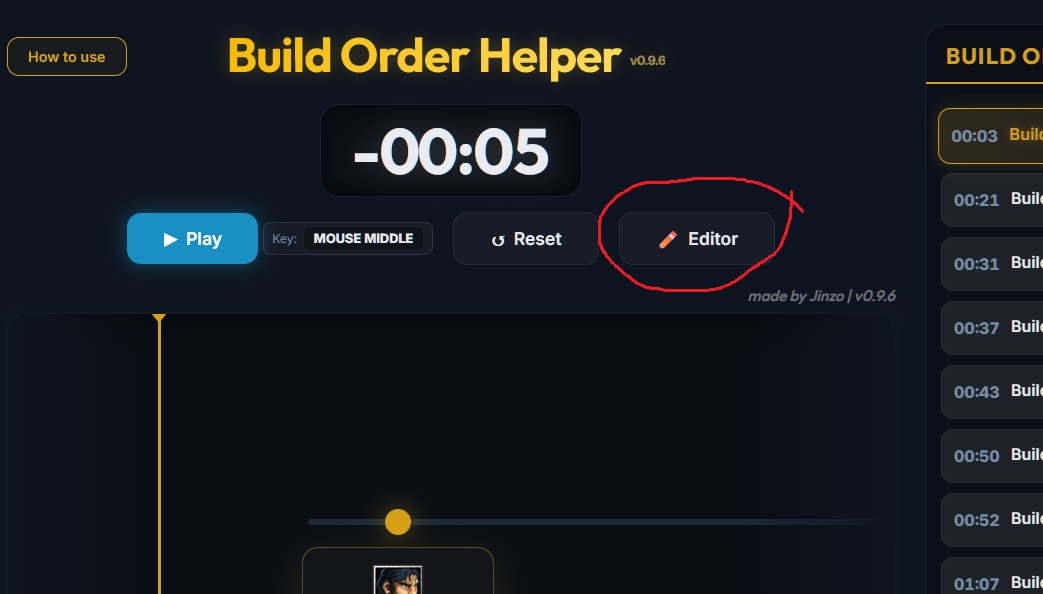
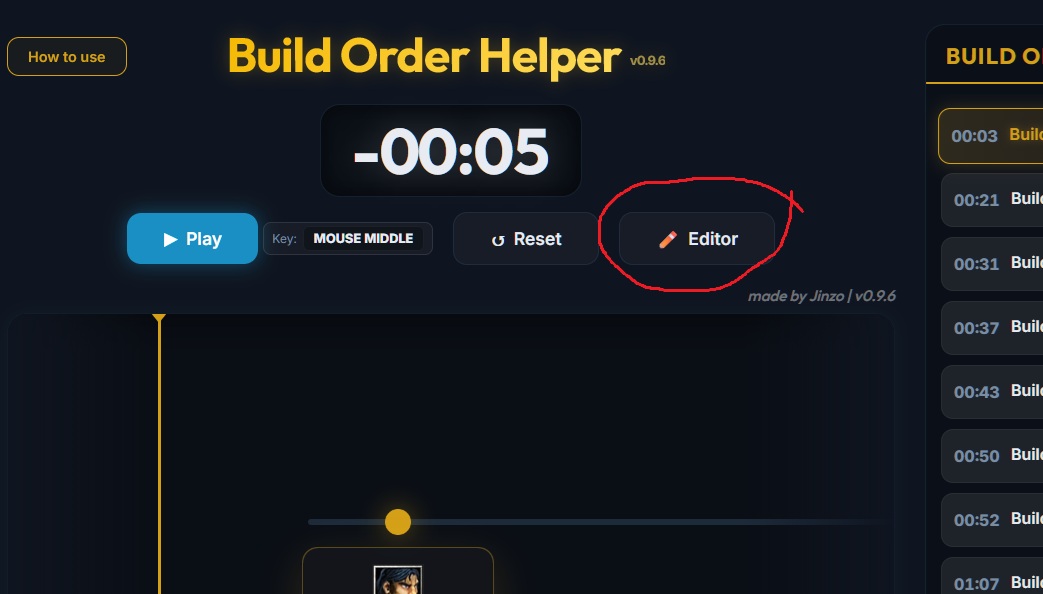
Click the Editor button in the controls to open the interactive build order table.
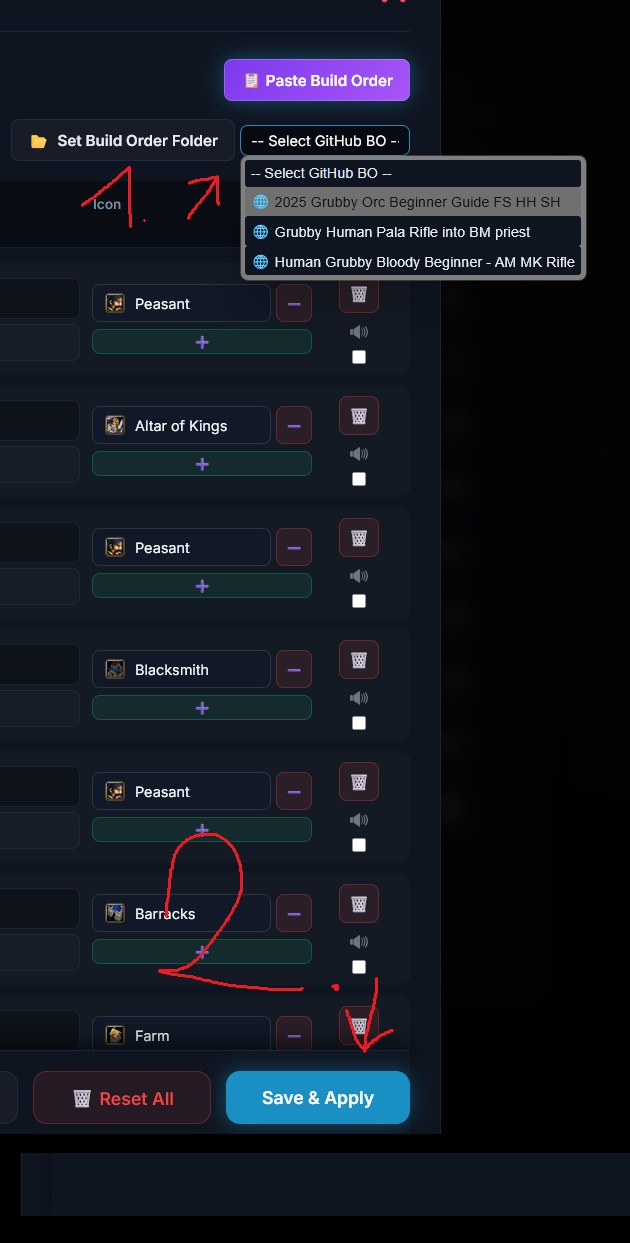
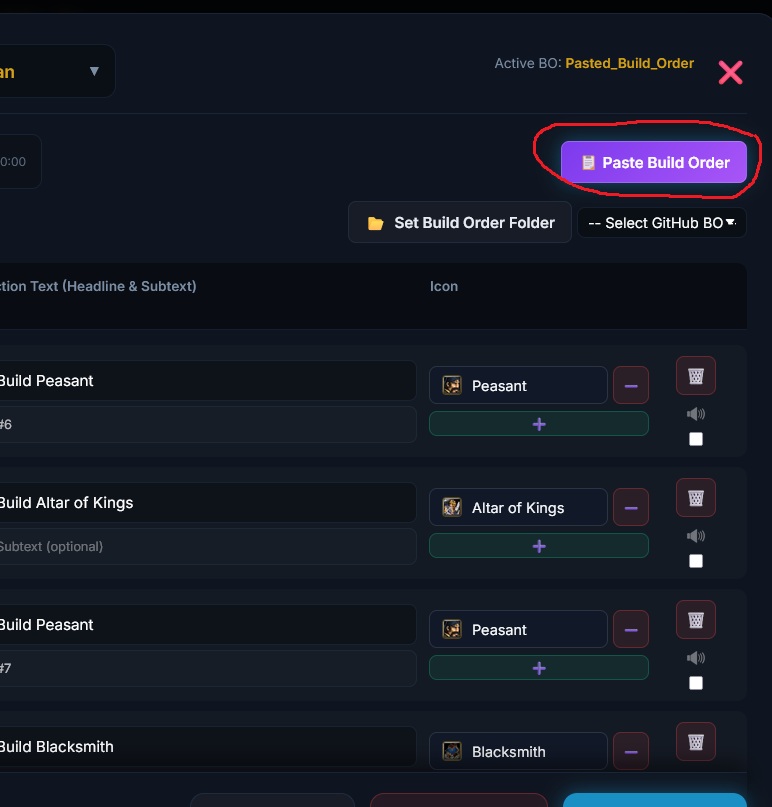
Set the timestamps (format MM:SS), enter gold/wood costs, set the current and max supply (e.g. 12 / 18), and edit the action description.
Use the icon selector to assign original Warcraft graphics for buildings, units, heroes or upgrades to each event.
Click Save & Apply to apply your changes immediately. Use Download File to save your Build Order as a .json file.
How to import a Build Order:
Important: Every new row must start with a time stamp in the format 00:00.